More jobs.
Less hassle.
Join 2,000+ service professionals on Zoofy. Get new jobs in your area every day and accept work whenever it suits you.



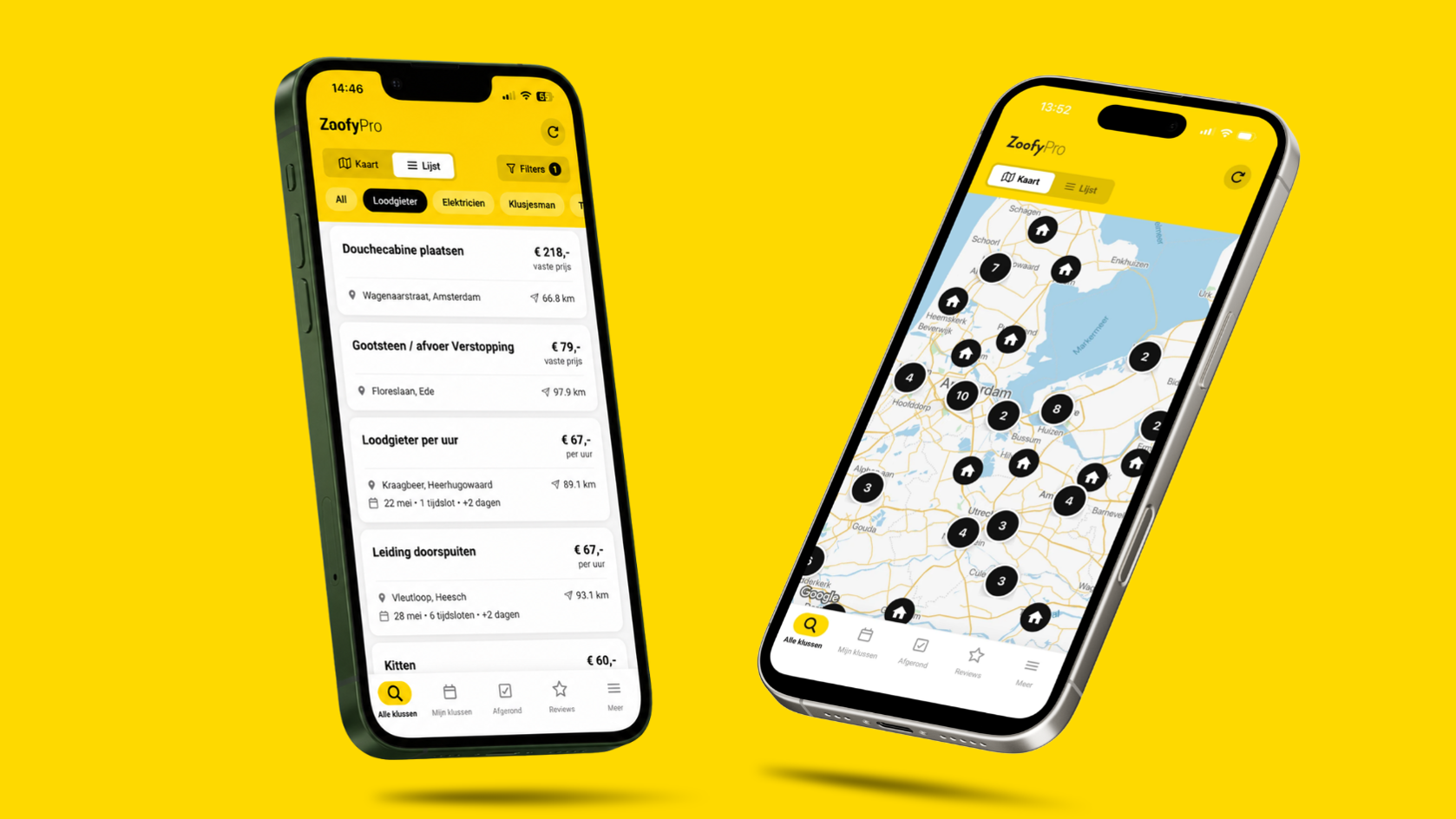
Why service professionals choose Zoofy
New jobs every day
Get matching jobs in your trade and your working area every day. You decide what you accept.
Work on your own terms
You decide when and where you work. Accept jobs at the times that suit you.
We handle the admin
Zoofy takes care of invoicing, collection and customer service. If something goes wrong, we step in — so you can focus on your trade.
Get started in 3 steps
Create your profile
Enter your trade, your working area and your Chamber of Commerce (KvK) number. We check your profile and activate your account once your membership is active.
Receive and accept jobs
You get notifications for jobs in your area. Accept what fits and decline what doesn't.
Get paid safely
Once the job is done, the customer pays through Zoofy. Payout follows standard business-to-business payment terms (minimum 29 days) and is made on the following Monday.

Mohamed Ibrahim
Mohammed of FADMO BV has been working through Zoofy for over 6 years and accepts more than 100 jobs a month.
Why do you choose Zoofy?
“I decide myself which jobs I accept and when they fit my schedule. The app is really easy to use: from requests to invoices, you arrange everything in one place.”
“What I really appreciate is that you can accept unlimited jobs without paying per job. The platform feels like a close-knit club. And if I ever get stuck, Zoofy helps me out straight away, or brings in another member to lend a hand. That gives confidence.”
Which jobs can you take on through Zoofy?
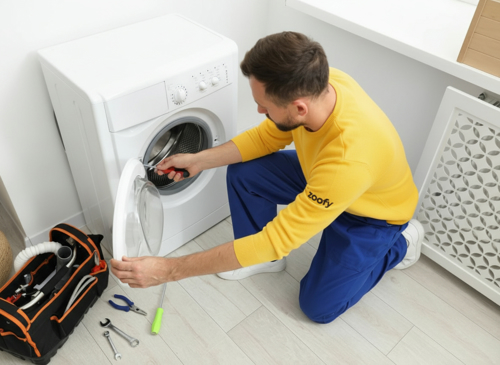
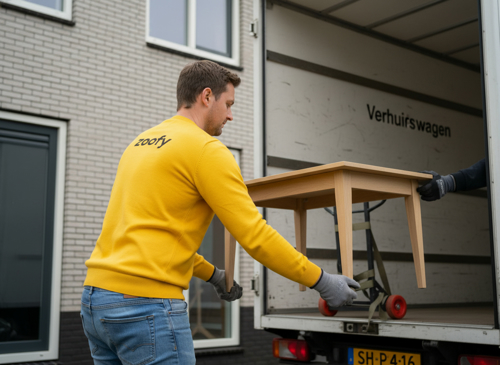
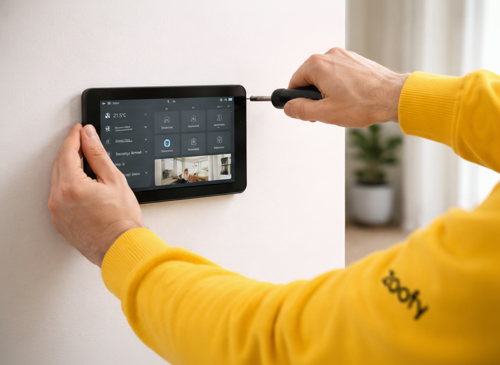
Through Zoofy you work on jobs in more than 30 trades. Demand is high for plumbers, handymen, electricians, carpenters and roofers, with a seasonal peak in gardening and air conditioning work right now. Have a look below to see which jobs suit you.












Frequently asked questions
We like to keep things simple. Follow these steps to get started with Zoofy:
1. Job overview
The home screen of the app shows every available job you can pick up, including rates incl. VAT. You get a push notification for each new job, as long as you have them switched on.
2. Review and accept
Check the job description, any photos and the customer's available dates. If the job suits you, tap “accept job”.
Call-out charges are not invoiced at Zoofy, so keep that in mind.
3. Carrying out the job
Go to the customer on the agreed date and time. You may arrive anywhere within the stated time slot. Do the job professionally, leave your workspace tidy and run through everything once more with the customer.
4. Invoicing
As soon as the job is finished, you create an invoice in the Zoofy app within seconds. Let the customer pay using the QR code, so your payout is guaranteed.
That's all there is to it. Watch this instruction video for a visual walkthrough.
You pay no lead fees, just a relatively low membership fee that lets you accept an unlimited number of jobs in the app. Once your account is approved, you choose between 2 memberships in the Zoofy Pro app.
- Monthly: €19.95 excl. VAT per month. Cancel free of charge every month.
- Yearly: €119 excl. VAT per year — 50% cheaper than the monthly plan. Cancellable up to 1 month before the contract ends. After 1 year it automatically converts to a monthly membership.
These amounts are non-refundable. As a member you see exactly what you earn per job and you can accept unlimited jobs through Zoofy at no extra cost.
Payout follows standard business-to-business payment terms: a minimum of 29 days. The payment is then made on the following Monday. Payouts always take place on a Monday.
Please note: Zoofy can only pay out once the customer has paid the invoice. If a payment fails to come in, we do everything we can to still sort it out.